10. Share it: export and import
Export the whole project as a zip, import one, and download our finished copy.
Part 10 of 10 in the Hello World tutorial · Follow this part in the guided wizard · Printable version
Your browser blocked the wizard window. How to allow it, or open the wizard in a new tab.
A project moves between people and machines as one zip: project file, pipelines, schemas, SQL files and exports together, so nothing is left behind.
Export your project
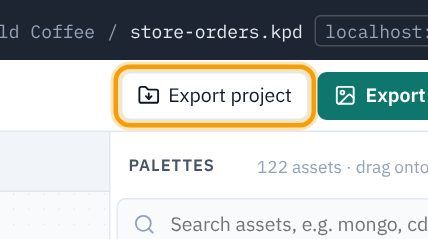
- Click Export project in the toolbar (or Export → Export project (.zip)). KPD offers to save anything unsaved first.
- Your browser downloads
hello-world-coffee-<date>.zip. Send it to a colleague, or keep it as a backup.
Import a project
- Choose File → Import project (.zip)…
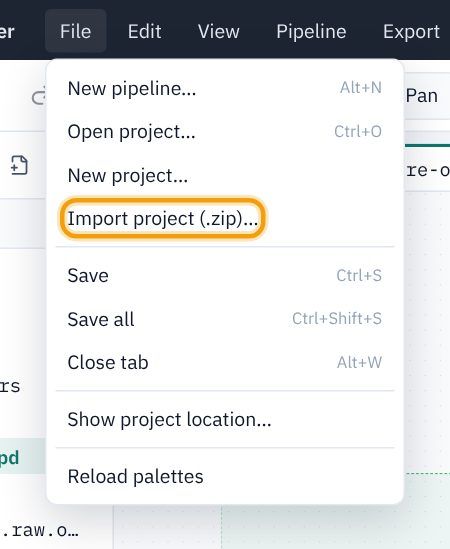
- Pick the zip. KPD checks it (it must contain a project file, and nothing unsafe), creates the project and opens it.
- If a project with the same name already exists, the new one gets
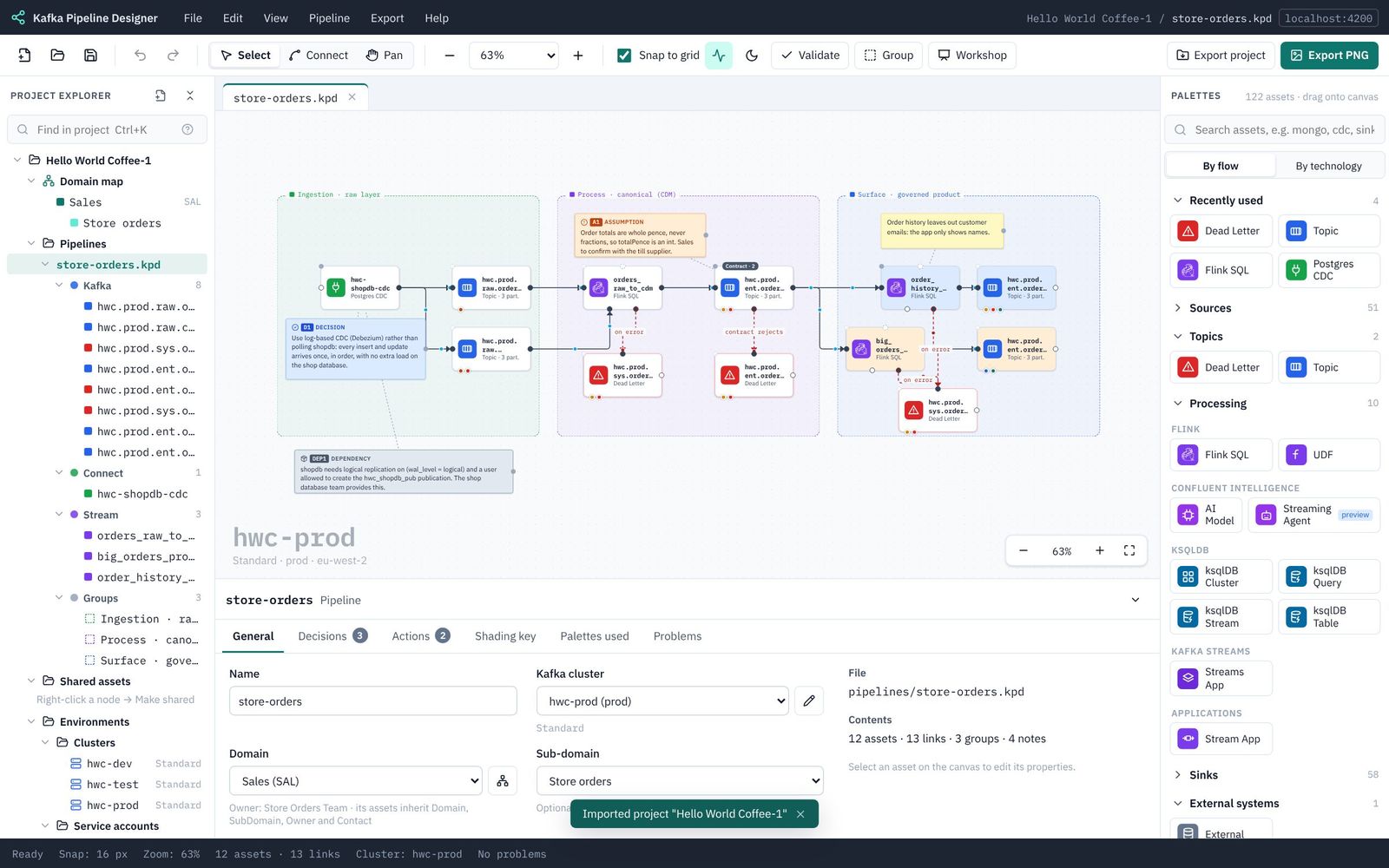
-1(then-2…) on the end, so nothing is ever overwritten. Below, importing our sample beside the one we built gave Hello World Coffee-1.
Where next
You have used every part of KPD on one small pipeline. Some ideas for your own designs:
- Open the bigger samples (Sample projects), especially Inclined Labs, a full data product design.
- Try a sink connector after a product topic, a ksqlDB query, or a Stream App (Assets and palettes).
- Press W for workshop mode, for designing in front of a client (Working on the canvas).
- Look up anything you are unsure about with the search box at the top of this guide.
When you find something confusing or broken, please tell us with Help → Send feedback. That is what the beta is for.
Download the finished sample
If you get stuck, or want to compare your work with ours, download the finished Hello World Coffee project. It is exactly what you build in this tutorial, and it validates with no errors or warnings.
Download hello-world-coffee.zip (11 KB: the project file, the pipeline, its five Avro schemas and three SQL files)
To open it in KPD:
- Download the file above and keep it as a
.zip. Don't unzip it: KPD reads the zip itself. (Some browsers unzip downloads automatically; if yours did, zip thehello-world-coffeefolder up again.) - In KPD choose File → Import project (.zip)…
- Pick
hello-world-coffee.zip. KPD uploads it, checks it, creates the project and opens it. You see a message such as Imported project "Hello World Coffee". - If you already have a project called Hello World Coffee (for example the one you built), the import is named Hello World Coffee-1, so nothing of yours is overwritten.
- Open store-orders.kpd under Pipelines in the explorer and press Validate to see it pass.
Part 10 shows these steps with pictures: Share it: export and import.