KPD Studio Closed beta
Menu

KPD Studio v0.88.1

Tell the story. Draw the pipeline. Hand over the Terraform.

A closed beta for the people who design Confluent Cloud data pipelines, and the business people who shape them. Use KPD in your browser, build on shared sample work, find what breaks and tell me what's missing.

Want to see what it does first? See everything it does or read the KPD user guide, no account needed.
Nothing to install: check your browser can run it.

The beta as a pipeline: register, beta.signups, approve, then the shared repository; if the round is full, the waitlist. if the round is full register Source beta.signups Topic approve Flink SQL shared-repo Sink waitlist Dead letter
The beta, drawn in KPD: you register, I approve you, and you design in the shared repository.

Two ways to work

Not everyone needs the nuts and bolts of a pipeline to help design one. KPD has two modes, with a switch at the far left of its toolbar: business people tell the story of the data in plain words, and engineers design the pipeline that delivers it.

A storyboard in plain words: Shop database, Pick up new orders, Orders, Add customer details, Load the warehouse, with failures going to Orders to check. The story is read back one step at a time. if it fails System Shopdatabase 1 Read data from Pick upnew orders 2 Data stream Orders 3 Process Add customerdetails 4 Write data to Load thewarehouse 5 Error lane Orders to check 4e Which connector? Not sure: let the engineer decide 1 Shop database: where every order starts.2 Pick up new orders. Then Orders.3 Orders: order id, customer id, total.4 Add customer details. Failures go to Orders to check.5 Load the warehouse: keeps the reporting tables up to date.

Storyboard mode

For business analysts, product owners and architects in a first workshop.

  • Seven simple items in plain words: systems, reading and writing data, data streams, processes, apps and error lanes.
  • Steps are numbered for you, and the story is read back as sentences.
  • No settings, no checks, no Terraform. Not sure about a connector? Leave it for the engineer.
The pipeline that implements the storyboard: orders-cdc, the orders topic, a Flink SQL enrich step and a warehouse sink, with failures to orders-dlq. Records flow along the links and a live check flags a problem, then clears it. on error orders-cdc CDC source orders Topic enrich Flink SQL warehouse Sink orders-dlq Dead letter Storyboard Orders to the warehouse

Engineer mode

For the people who design the pipeline itself.

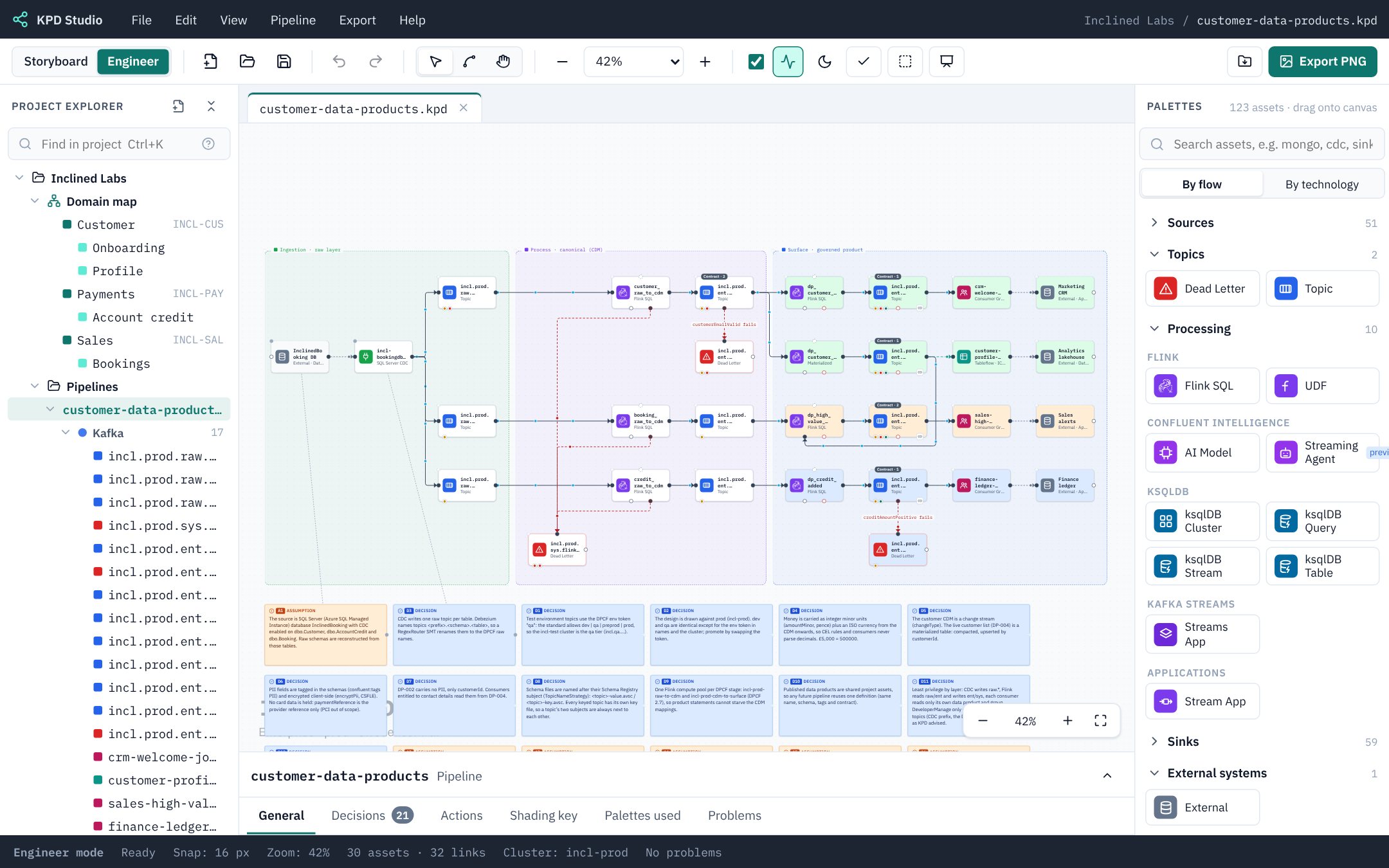
  • Real Confluent Cloud parts on one canvas: topics, connectors, Flink and more.
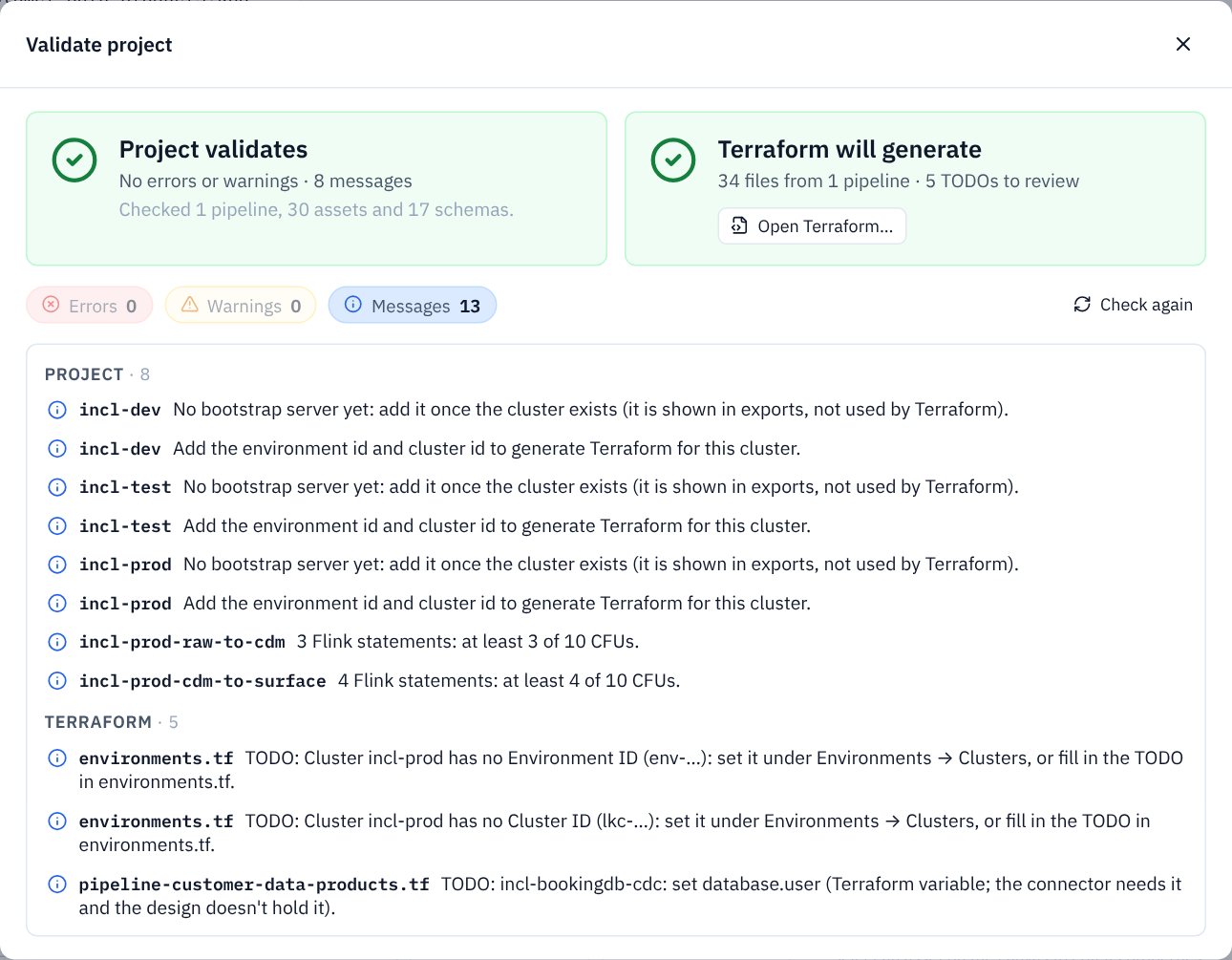
  • Problems show as you draw, with a Terraform go / no-go before you export.
  • Link the pipeline to the storyboard it implements and work with the two side by side.

Each storyboard step lines up with a KPD concept: reading data becomes a source connector, a data stream usually a topic, and writing data a sink connector. How Storyboard mode works

Be first into the open beta

KPD Studio is in a small closed beta today. An open beta is coming, for anyone who designs Confluent Cloud data pipelines, or tells the story of the data that runs through them.

Leave your details and you'll be among the first to hear when it opens. No account yet, nothing to install.

Join the open beta list

Who you work for, or “Independent”

Only for news about the open beta, and you can ask to be removed at any time. How your details are used.

What you'll be testing

KPD is a WYSIWYG designer in the spirit of the visual middleware and SOA tools of the early 2000s: drag topics, connectors, Flink statements and clients onto a canvas, wire them up, and it checks the design as you go. Three rules shape everything it does.

Design, not deploy

KPD never connects to Apache Kafka® or Confluent Cloud. It draws, checks, and writes Terraform for your team to run.

No secrets, ever

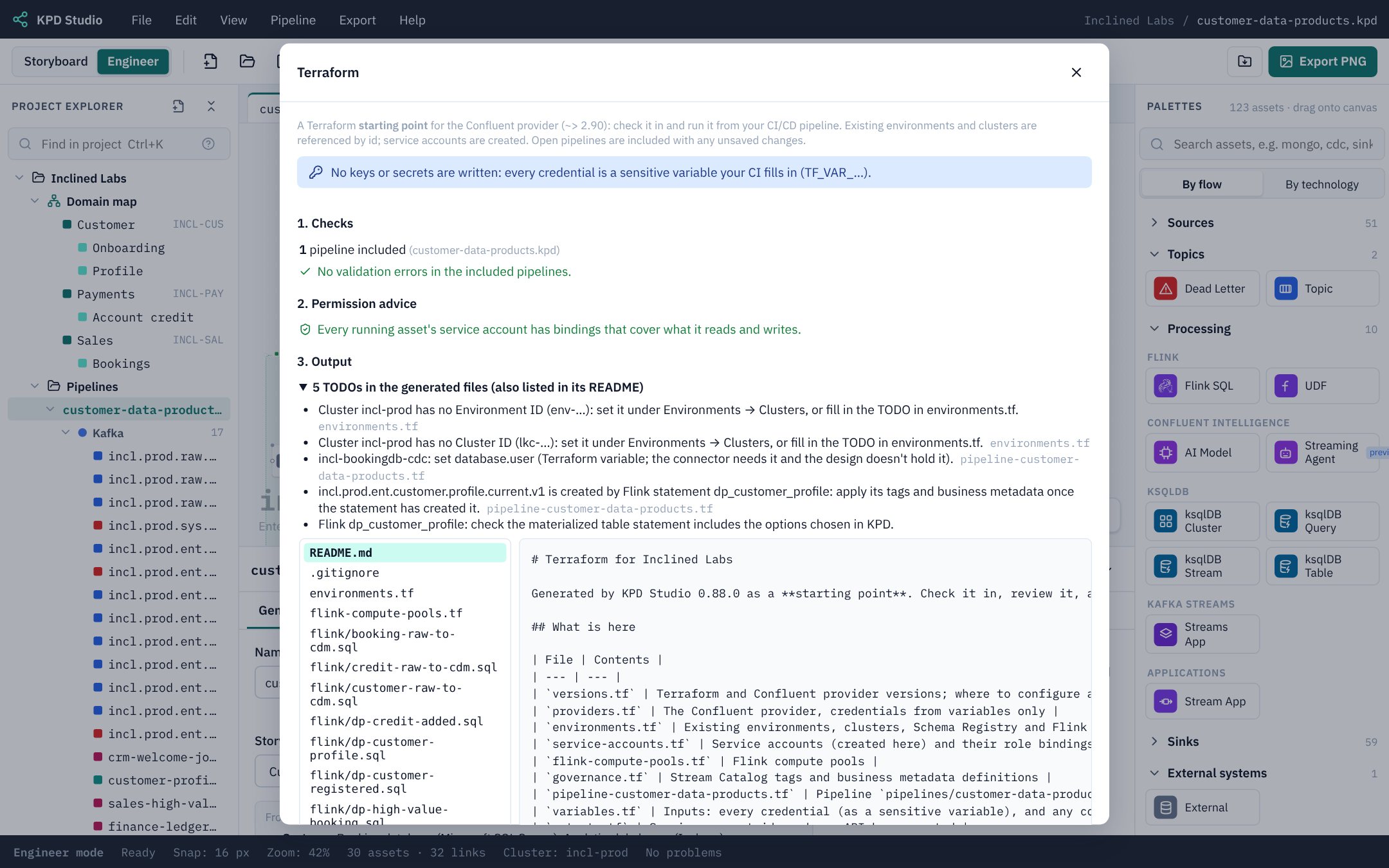
Environments hold ids, never keys. Every credential in the Terraform is a variable you supply.

Access is your call

Permission advice is offered, never applied. Only the bindings you tick are generated.

A look inside

Screenshots and short clips from the sample projects that come with the beta. No client work appears here or in the shared repository.

How the beta works

  1. Request access. Tell me who you are and what you work on. It takes a minute.
  2. Get your sign-in details. I'll email you a username and a password of your own.
  3. Sign in and design. KPD opens in your browser with nothing to install.
  4. Tell me what you think. Use Help → Send feedback in KPD, or just reply to my email.

Before you join

  • The repository is shared. Every tester can open, change and delete every project in it. Make your own project rather than editing someone else's.
  • Sample work only. Please don't put client designs, real topic names or anything confidential in here.
  • Save often, and talk. If two people save the same pipeline, the last save wins. KPD will tell you when someone else has your pipeline open.
  • It's a beta. Things will break and the repository may be reset between rounds. Export anything you want to keep.

Joining means agreeing to the beta terms: it's a free test service, access and data can go at any time, keep your own backups, no warranties, at your own risk.

Built by Chris Judd
Senior Solutions Architect, Confluent, an IBM Company. Over 20 years of front-line integration and data experience.
About the author
An independent tool. KPD Studio is not made, endorsed or supported by Confluent, Inc. or the Apache Software Foundation. Confluent and Confluent Cloud are trademarks of Confluent, Inc. Apache®, Apache Kafka® and Apache Flink® are either registered trademarks or trademarks of the Apache Software Foundation in the United States and/or other countries. They are used here only to describe what KPD Studio designs for.