8. Export the picture, design document and Terraform
A PNG of the pipeline, the detailed design (LLD) document, and Terraform with permission advice.
Part 8 of 10 in the Hello World tutorial · Follow this part in the guided wizard · Printable version
Your browser blocked the wizard window. How to allow it, or open the wizard in a new tab.
Everything you take out of KPD is on the Export menu. Each export is downloaded by your browser and also saved in the project's exports/ folder, so it stays with the design.
A picture of the pipeline (PNG)
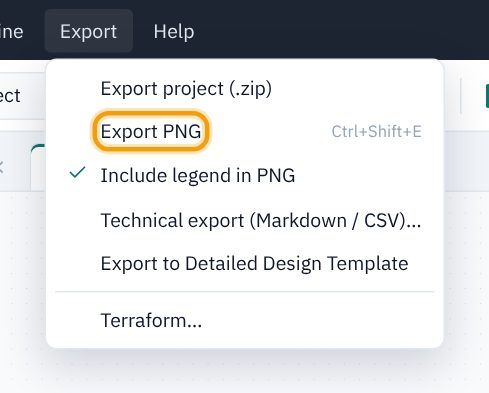
- Choose Export → Export PNG (or Ctrl/⌘+Shift+E, or the green Export PNG button top right). Include legend in PNG is ticked by default.
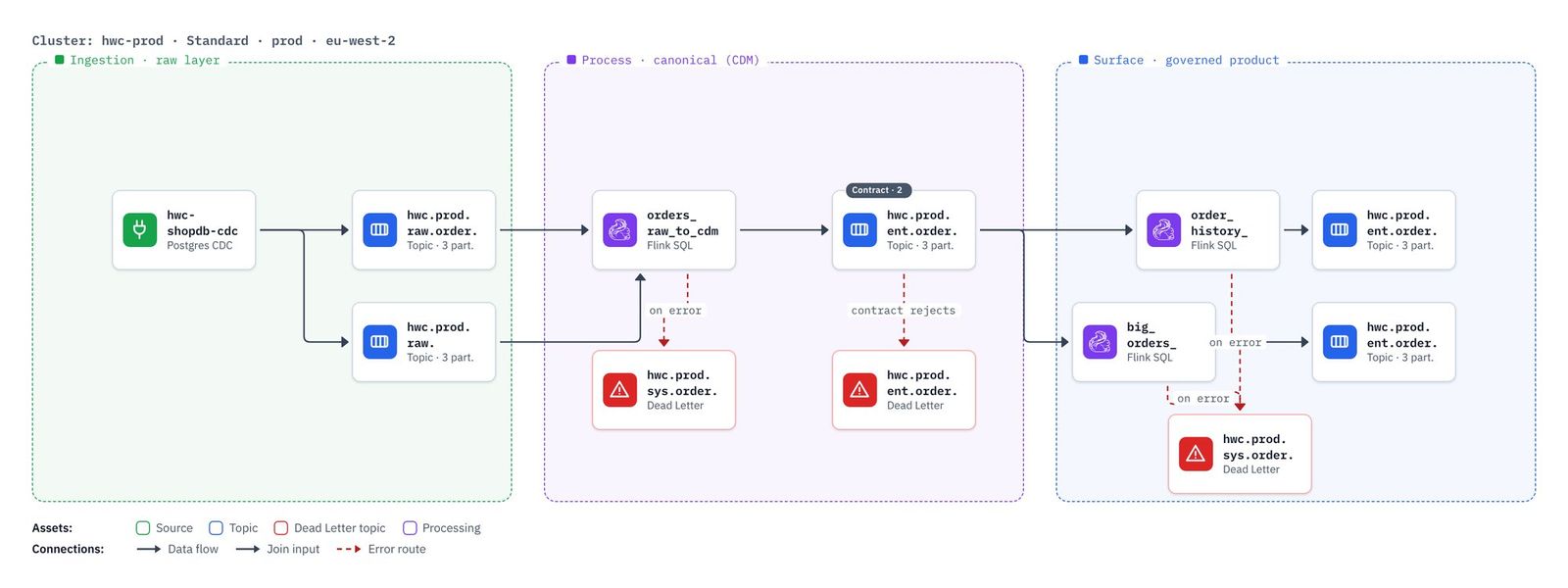
- Your browser downloads
store-orders.png: the pipeline at twice screen resolution, captioned with its cluster, with a legend that explains only the colours and lines it uses. The background is transparent, so it sits well on a slide or in a document.
The detailed design document (LLD)
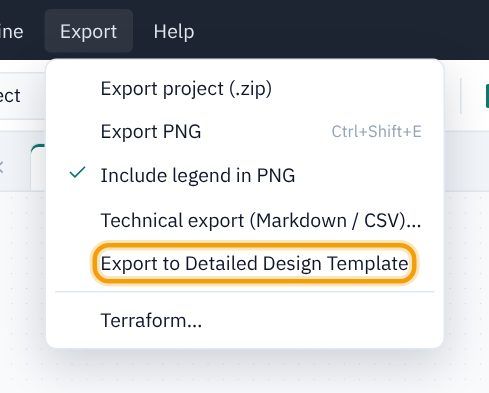
- Choose Export → Export to Detailed Design Template.
- KPD writes the whole project as a low-level design in Markdown,
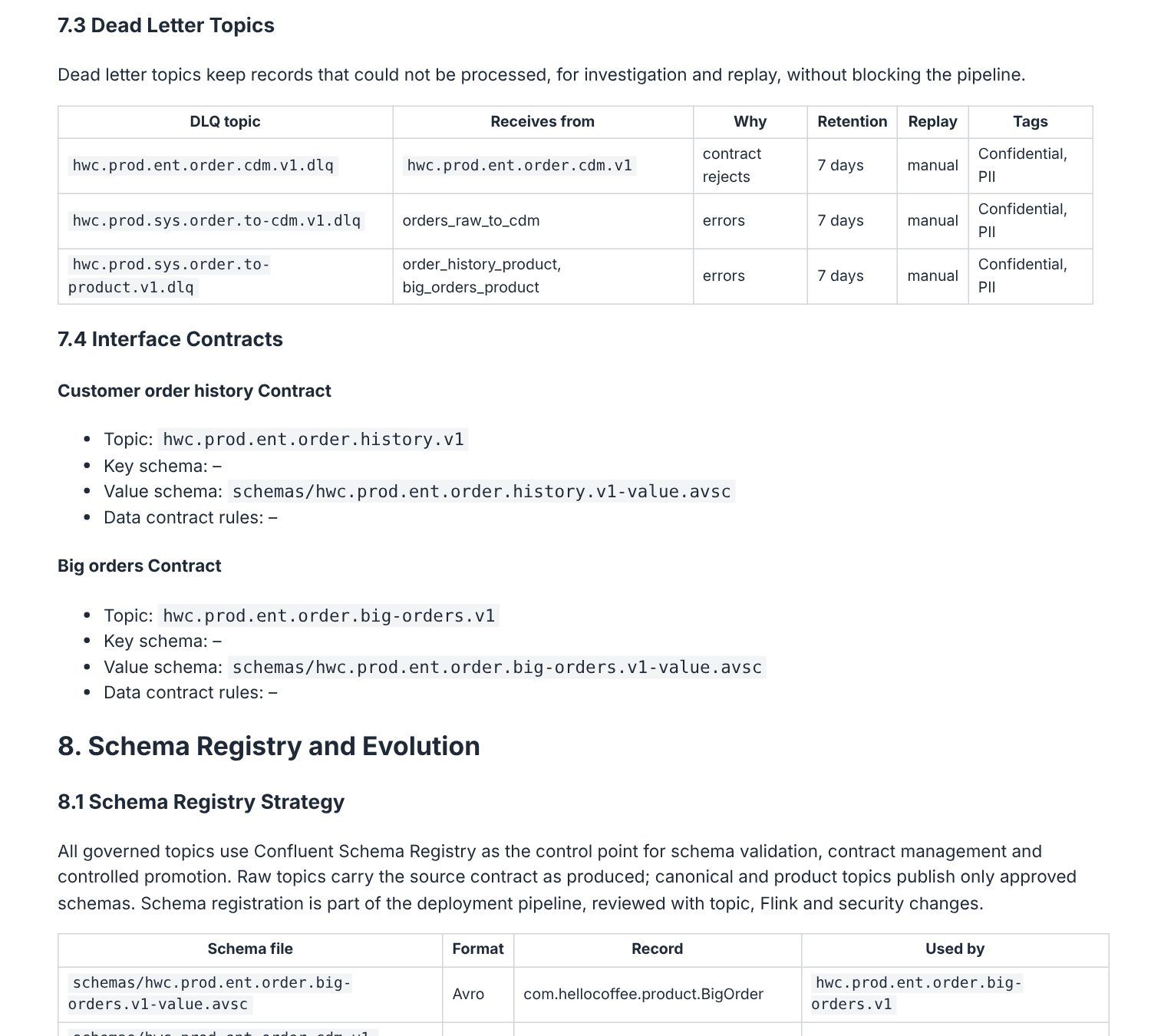
hello-world-coffee-detailed-design.md, with the diagrams as PNG files beside it inexports/. Open it in any Markdown editor, or import it into Google Docs or Word (see Detailed design document).
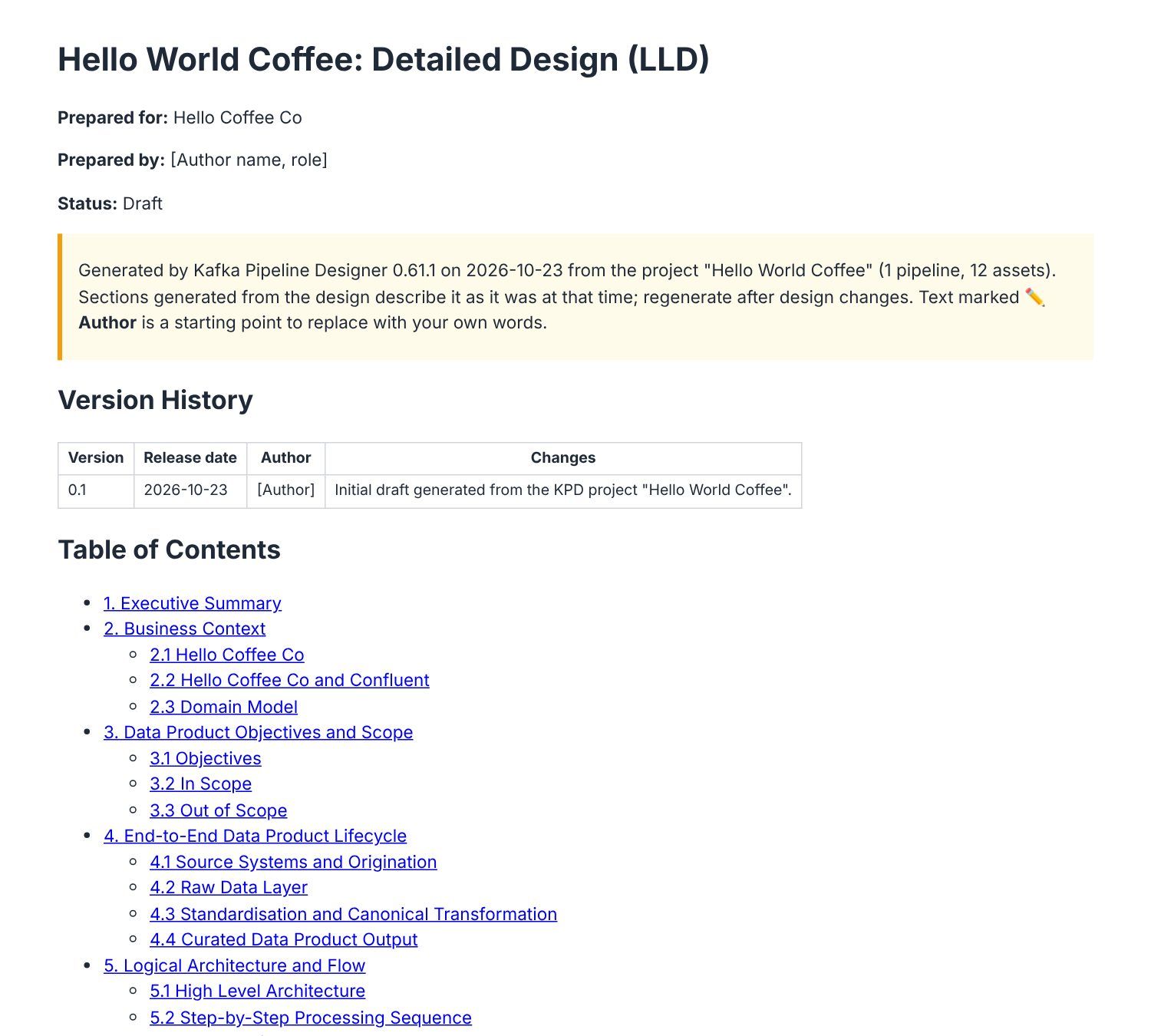
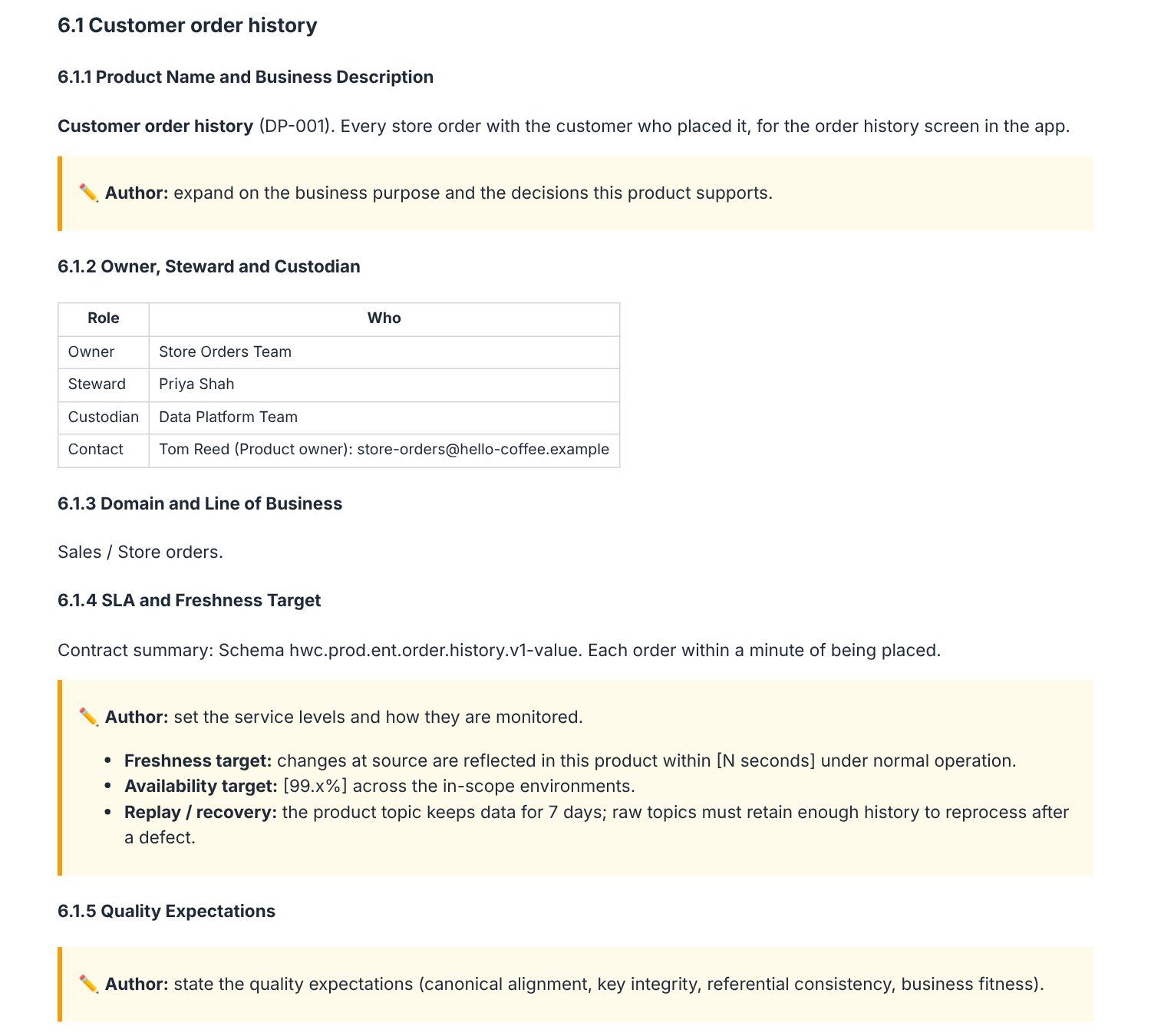
Everything KPD knows is written for you: the topic catalogue, schema field tables, the Flink SQL, role bindings, tags and metadata. Anything it can't know is marked ✏️ Author with a starting point to replace with your own words. Look at section 6: the data product definitions came from the catalogue metadata you entered in Part 5, and the owner and contact from the domain map.
Terraform
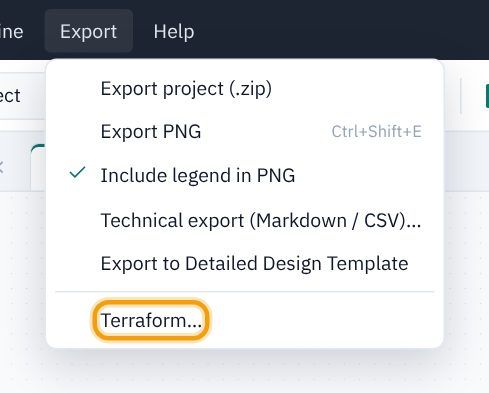
- Choose Export → Terraform…
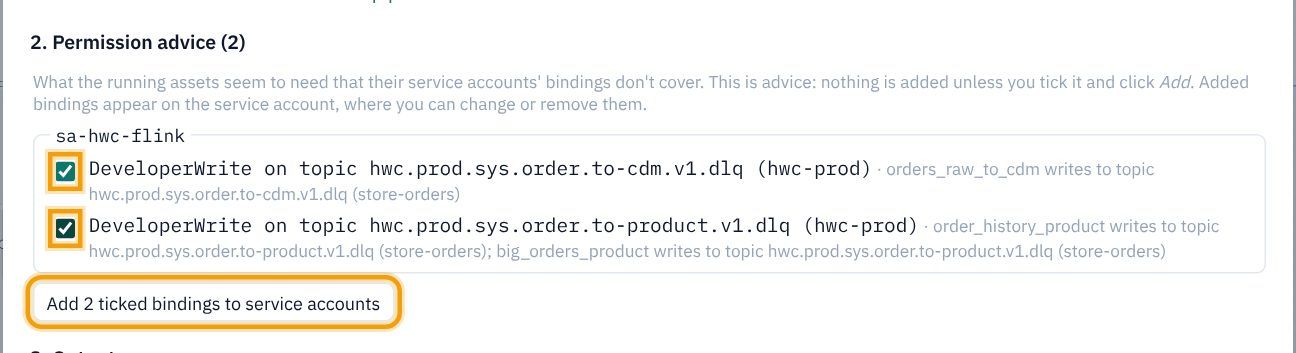
- The Terraform page has three sections. 1. Checks: one pipeline included, no validation errors. 2. Permission advice: what the running assets seem to need that their bindings don't cover. 3. Output: the TODOs and the files.
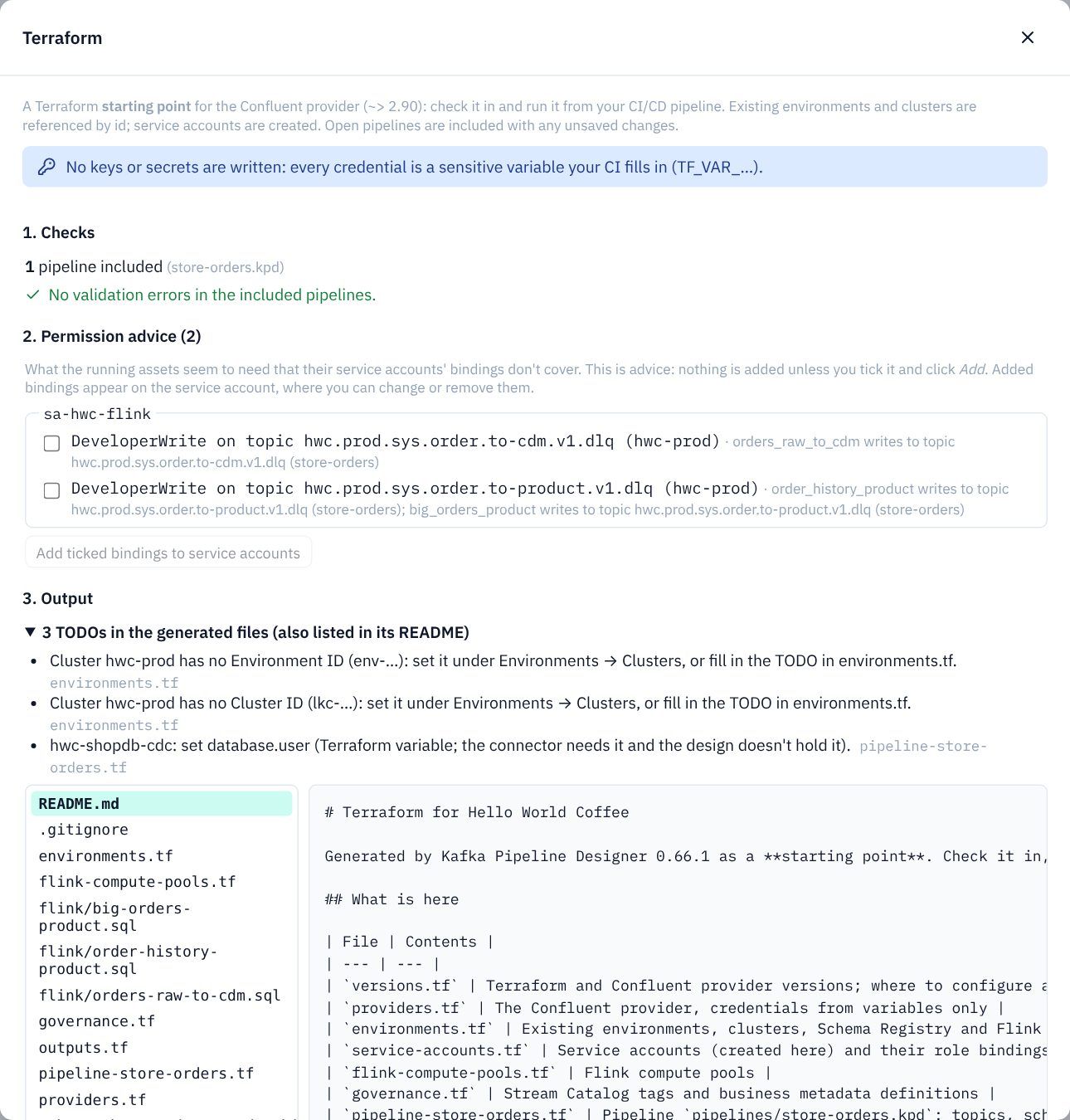
- Tick both suggestions:
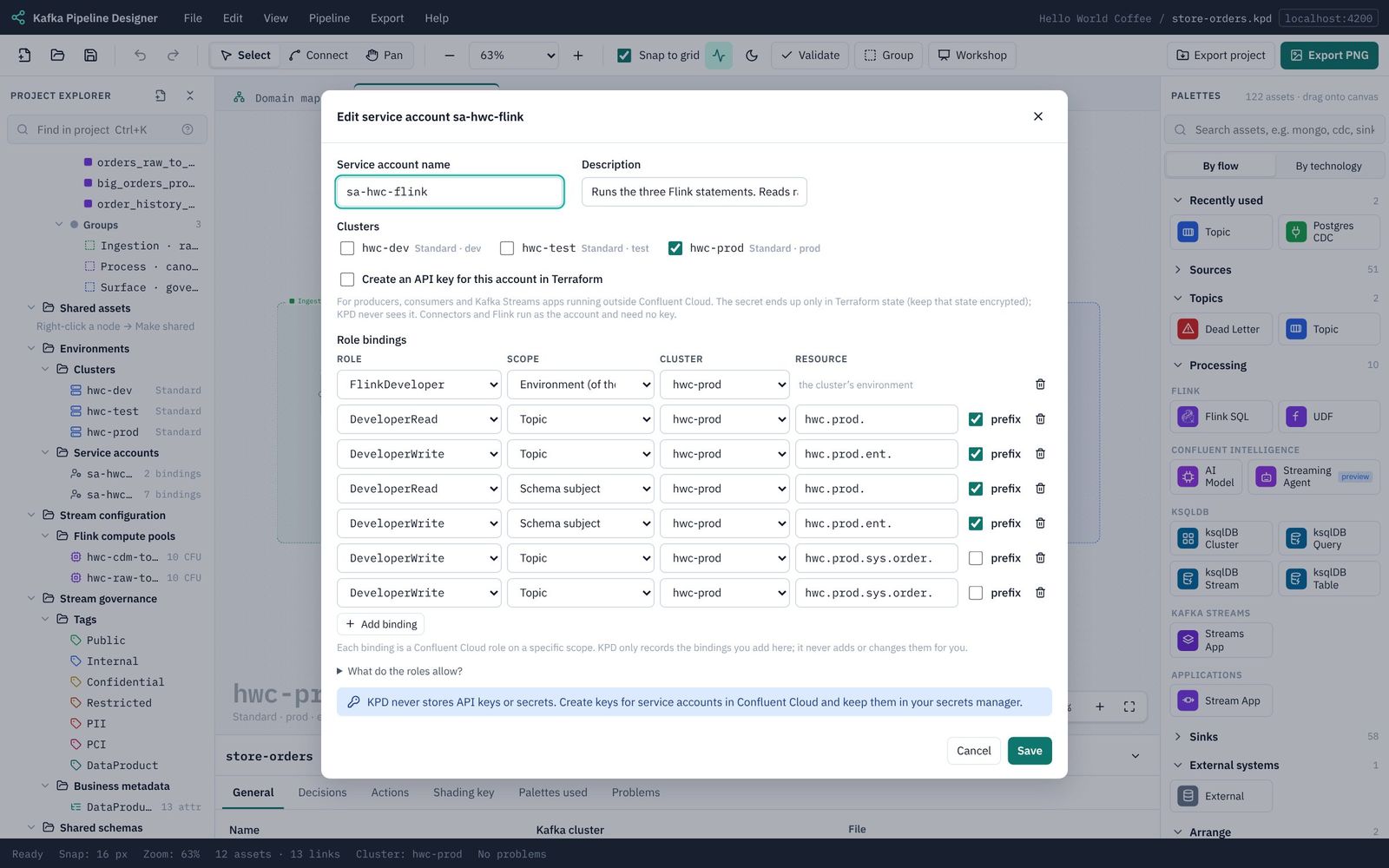
sa-hwc-flinkneeds DeveloperWrite on each of the two sys dead letter topics. Click Add 2 ticked bindings to service accounts. (The connector's account needs nothing more: Terraform creates the raw topics before the connector starts, so the connector only writes to them, which Part 6 already allows.)
- The section now says Every running asset's service account has bindings that cover what it reads and writes.
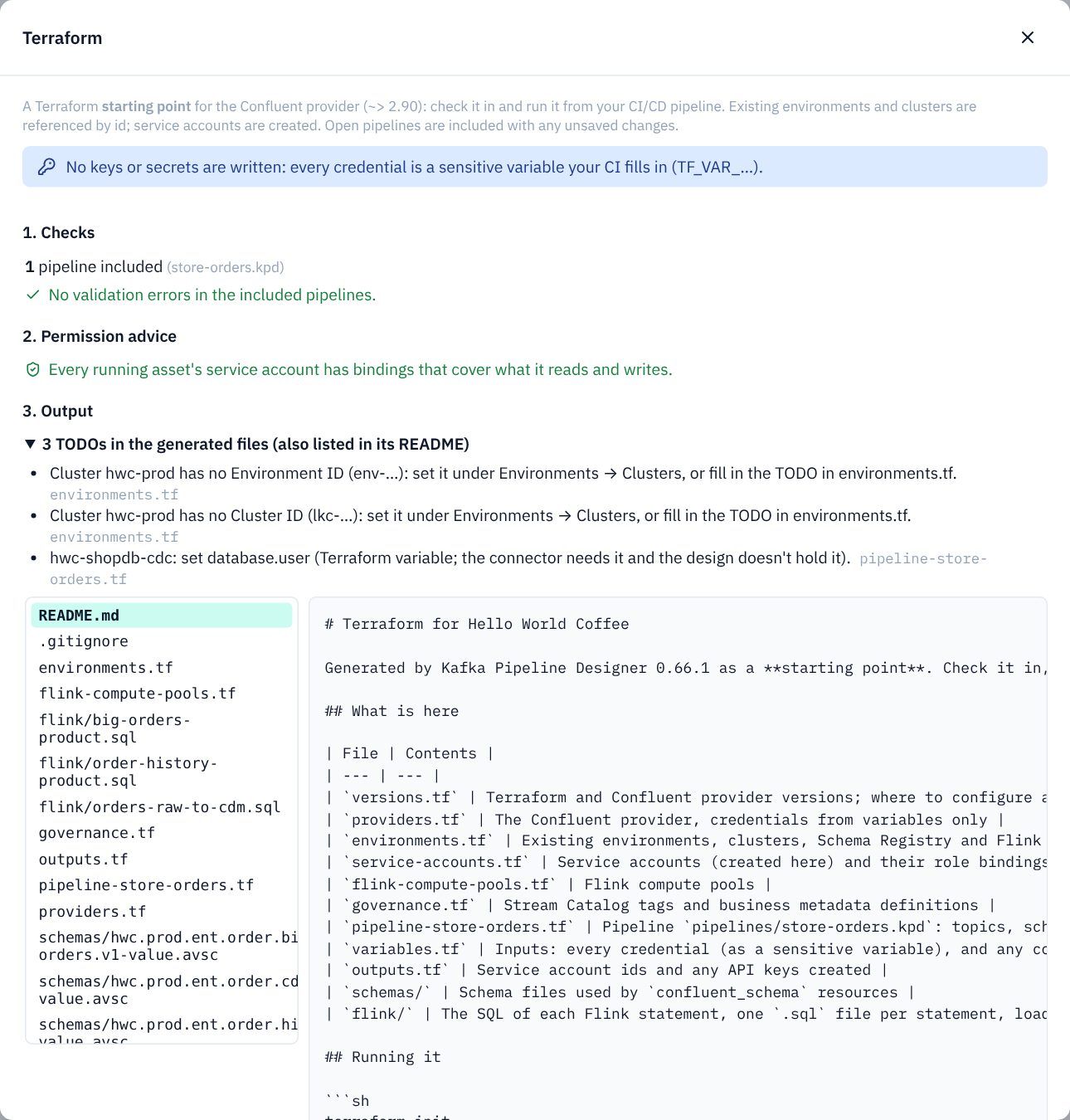
- Under 3. Output, click any file to preview it.
pipeline-store-orders.tfhas the topics (withprevent_destroy, so a topic's data can't be deleted by accident), schemas with their contract rules, tags, metadata, the connector and the Flink statements.
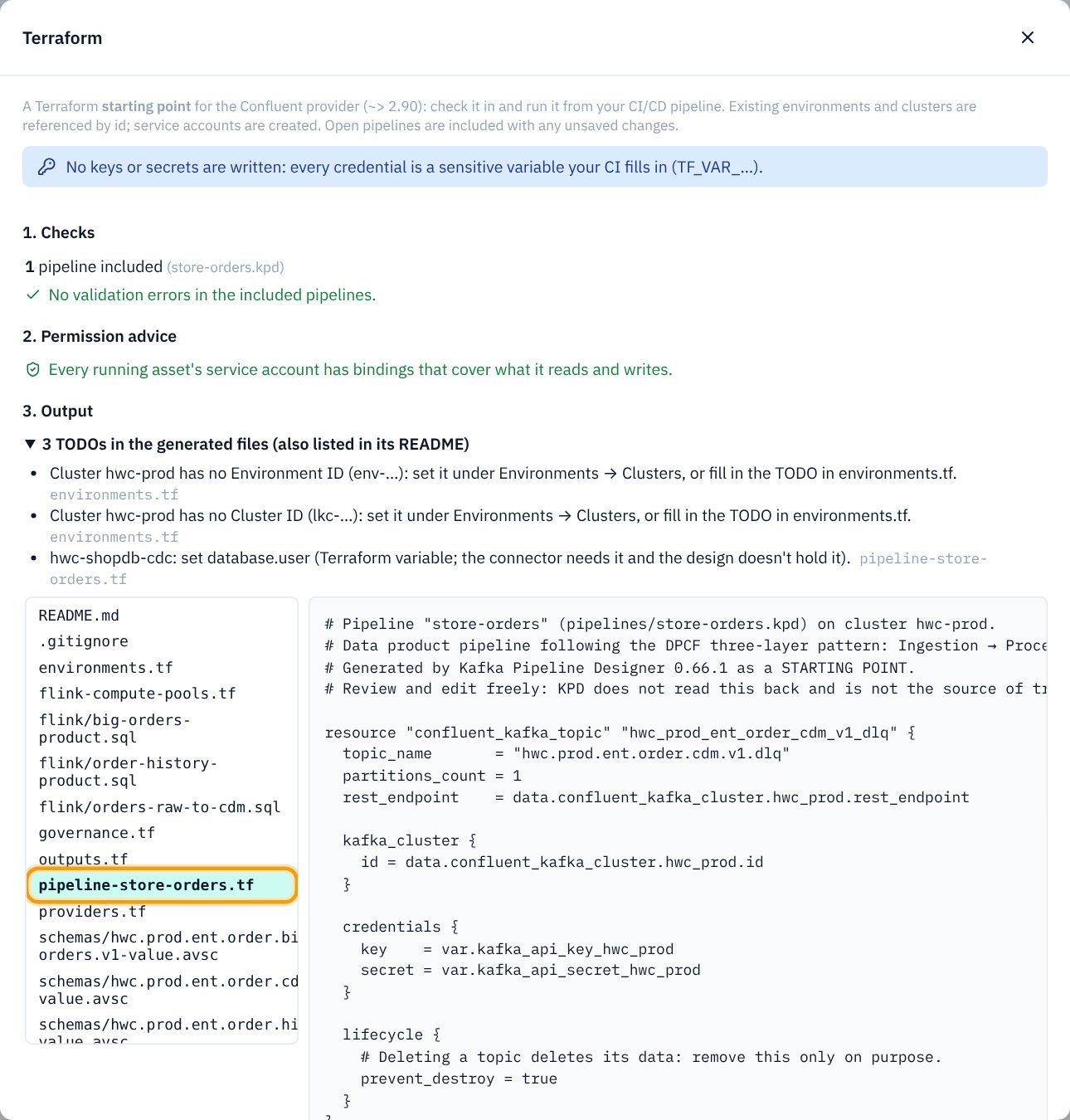
- The three TODOs: two say the hwc-prod cluster has no Environment ID or Cluster ID. That's right: fill them in on the cluster (Part 3) once the cluster exists, and they disappear. The third asks for the connector's database.user: the connector needs it, but a design doesn't hold it, so it is a Terraform variable you set for each environment.
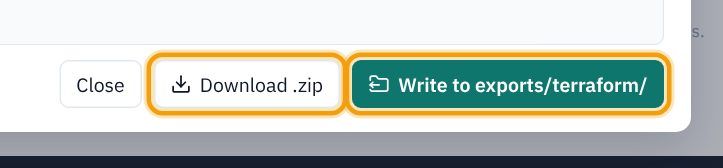
- Click Download .zip to take the Terraform away, or Write to exports/terraform/ to keep it with the project.
Back in the explorer, sa-hwc-flink now has seven bindings: the five you added in Part 6 and the two from the advice. Click it to see them; you can change or remove them like any other.
terraform init, terraform plan). KPD never connects to Confluent Cloud. See Terraform.