6. Service accounts and role bindings
One account for the connector and one for Flink, each with just the access it needs.
Part 6 of 10 in the Hello World tutorial · Follow this part in the guided wizard · Printable version
Your browser blocked the wizard window. How to allow it, or open the wizard in a new tab.
In Confluent Cloud, connectors and Flink statements run as a service account, and the account's role bindings say what it may read and write. Least privilege means each account gets only what its job needs. KPD records the bindings you choose and writes them into Terraform; it never adds any by itself.
An account for the connector
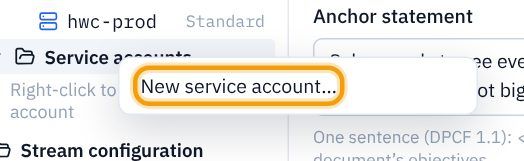
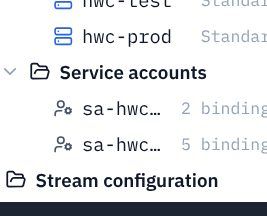
- In the explorer, right-click Environments → Service accounts and choose New service account…
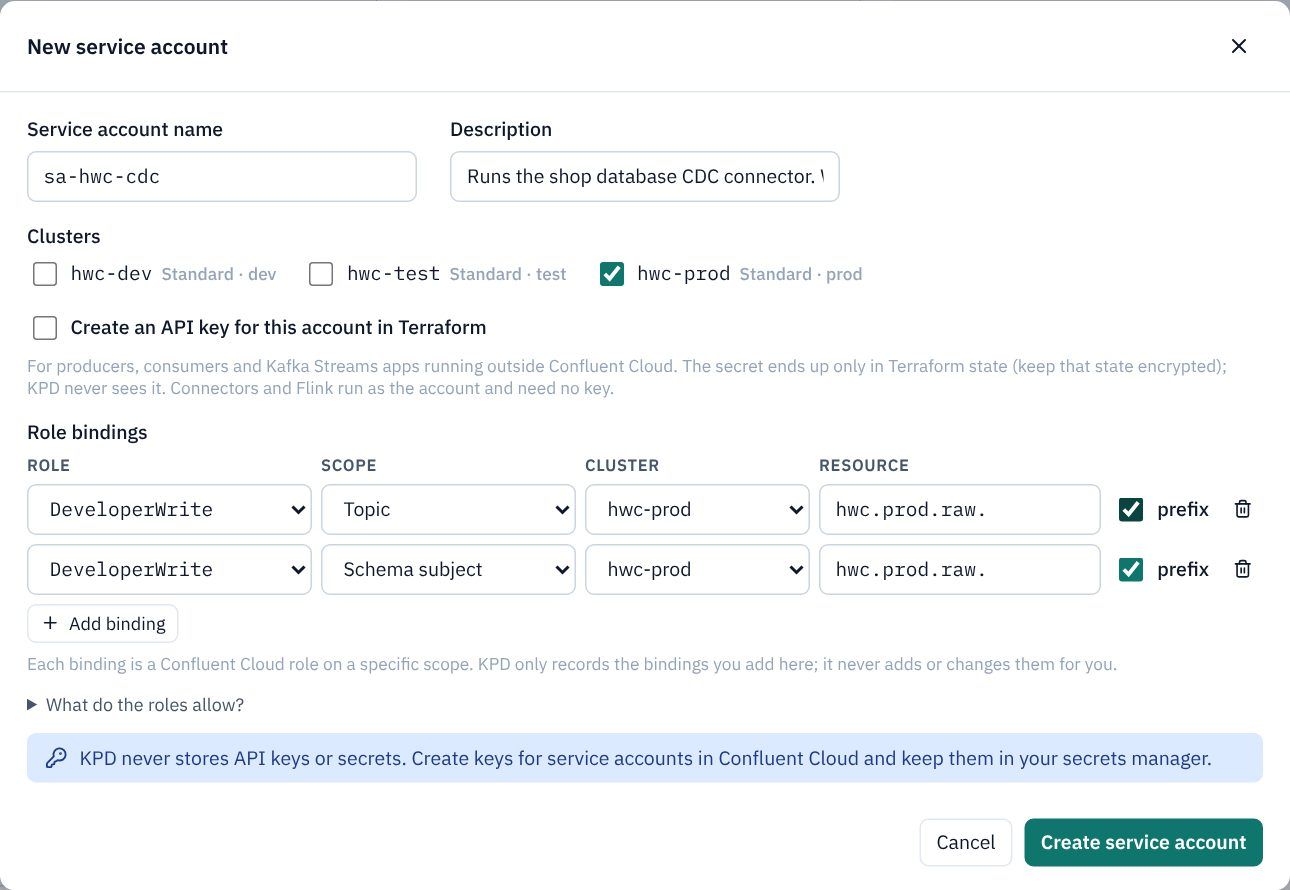
- Service account name
sa-hwc-cdc; DescriptionRuns the shop database CDC connector. Writes the raw topics and their schemas only. - Under Clusters, tick hwc-prod.
- Click Add binding twice and fill the rows:
Prefix means "every topic (or subject) whose name starts with this", so the connector can write any raw topic and its schema, and nothing else.
Role Scope Cluster Resource Prefix DeveloperWrite Topic hwc-prod hwc.prod.raw.ticked DeveloperWrite Schema subject hwc-prod hwc.prod.raw.ticked - Leave Create an API key unticked: connectors and Flink run as the account and need no key. Click Create service account.
An account for Flink
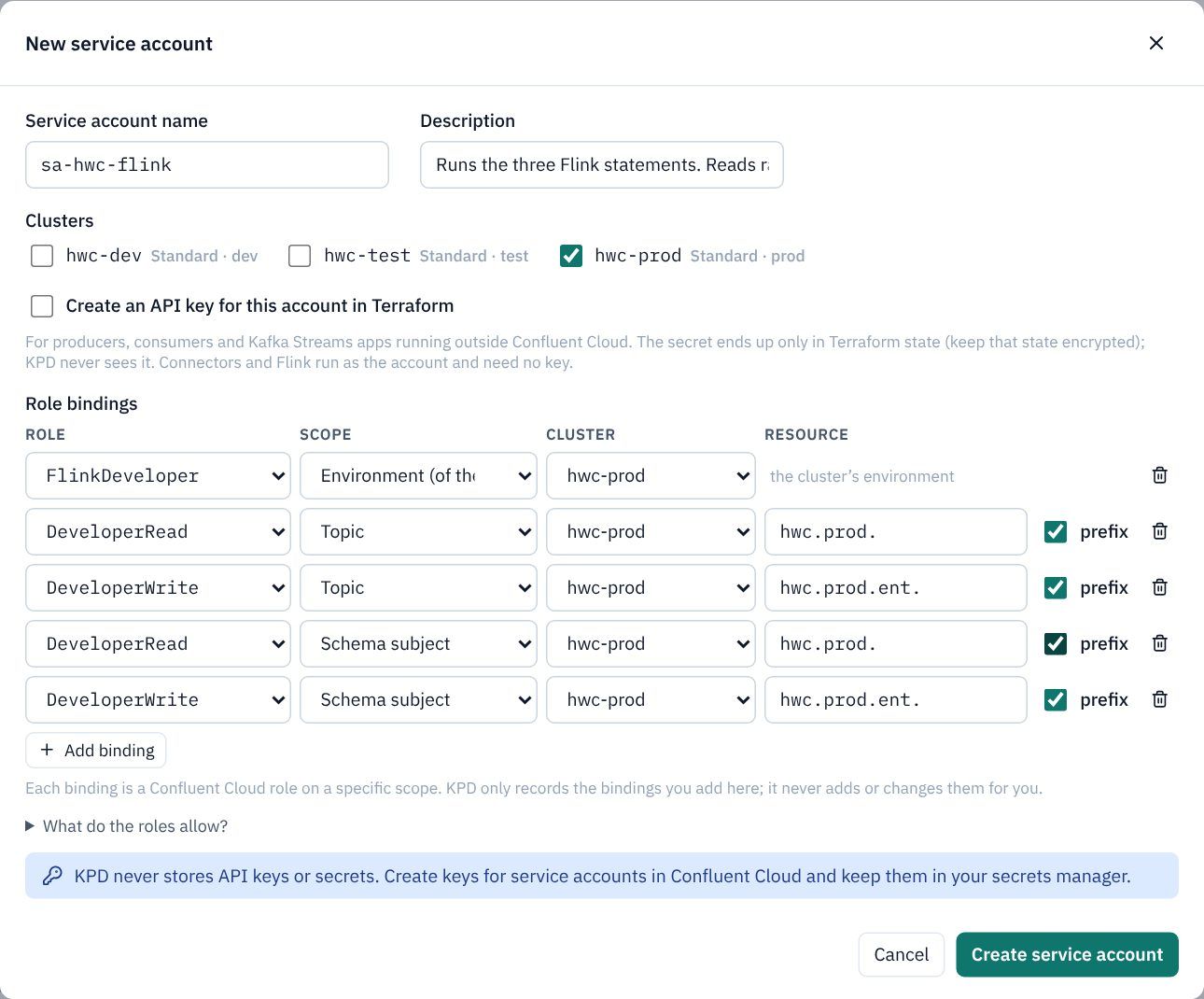
- Create a second account:
sa-hwc-flink, descriptionRuns the three Flink statements. Reads raw and canonical topics, writes canonical and product topics., cluster hwc-prod, and these bindings:Role Scope Resource Prefix Why FlinkDeveloper Environment (of the cluster) (the cluster's environment) Run statements in the environment's pools. DeveloperRead Topic hwc.prod.ticked Read raw and canonical topics. DeveloperWrite Topic hwc.prod.ent.ticked Write canonical and product topics. DeveloperRead Schema subject hwc.prod.ticked Read their schemas. DeveloperWrite Schema subject hwc.prod.ent.ticked Register product schemas.
Say which asset runs as which account
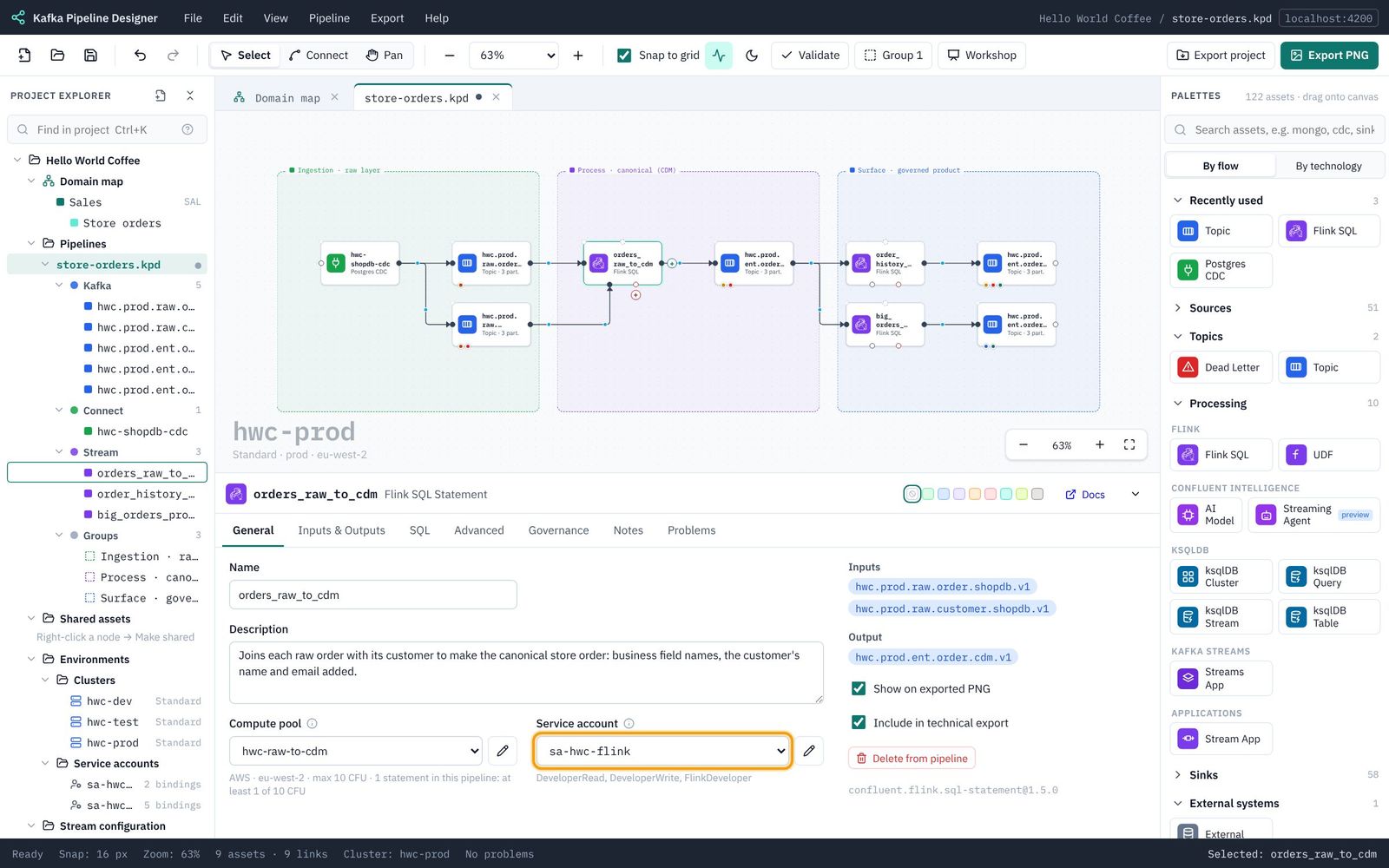
- Click the connector
hwc-shopdb-cdc. On General, set Service account to sa-hwc-cdc. - Click each of the three Flink statements and set Service account to sa-hwc-flink. The hint under it lists the roles the account has.
Missed something?You don't have to get access perfect now. In Part 8, Terraform's permission advice compares what each asset reads and writes with its bindings, and offers what is missing for you to tick.
Save. Next: 7. Data quality and dead letter topics.