2. Draw the domain map
A Sales domain with a Store orders sub-domain, their owners and contacts, and the pipeline linked to them.
Part 2 of 10 in the Hello World tutorial · Follow this part in the guided wizard · Printable version
Your browser blocked the wizard window. How to allow it, or open the wizard in a new tab.
The domain map records which part of the business owns the data, and who to talk to. Pipelines link to it, and their data products then take their domain, sub-domain, owner and contact from it automatically (you will see this in Part 5). We use one domain, Sales, with one sub-domain, Store orders.
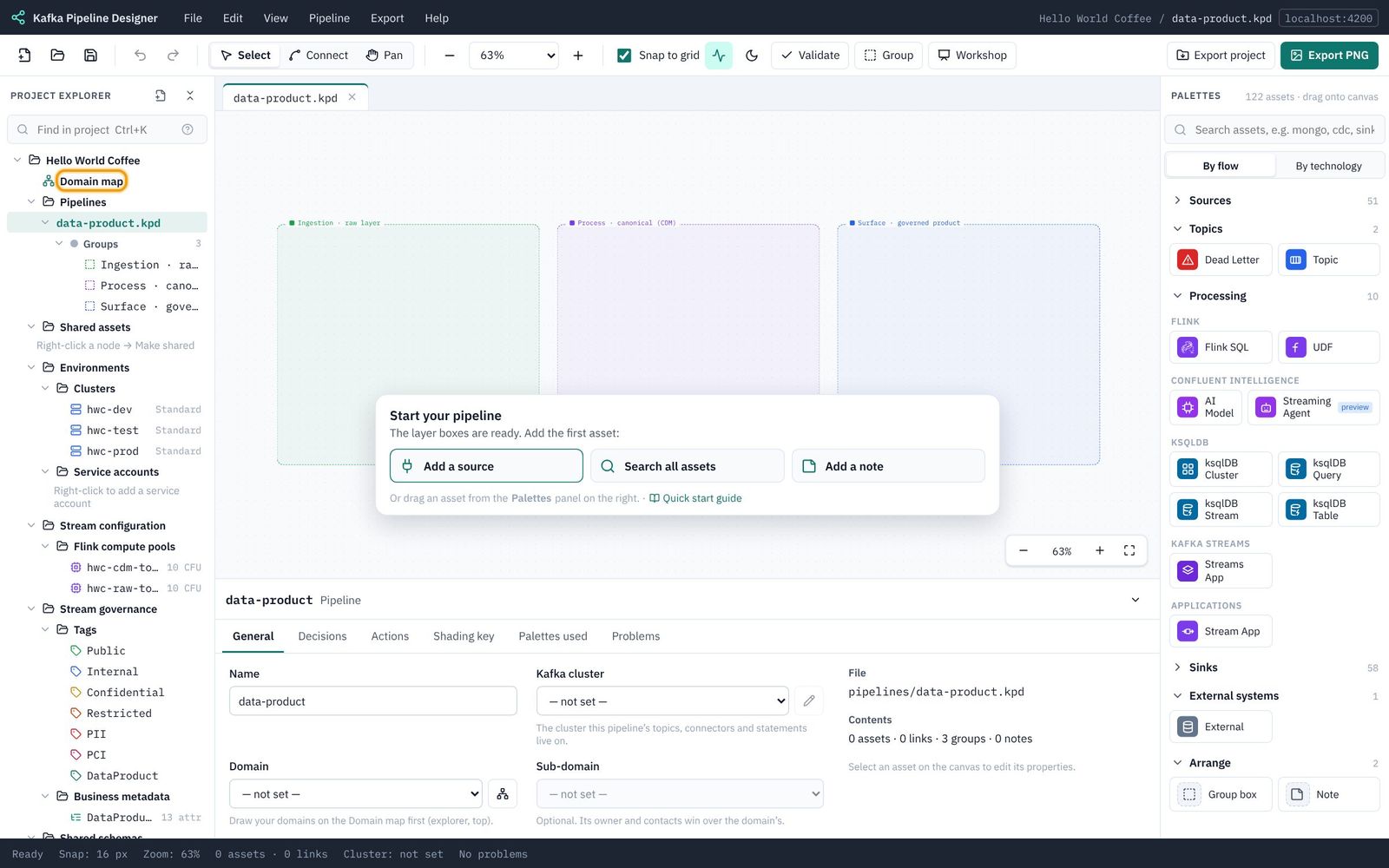
Open the domain map
- In the explorer, click Domain map (just under the project name).
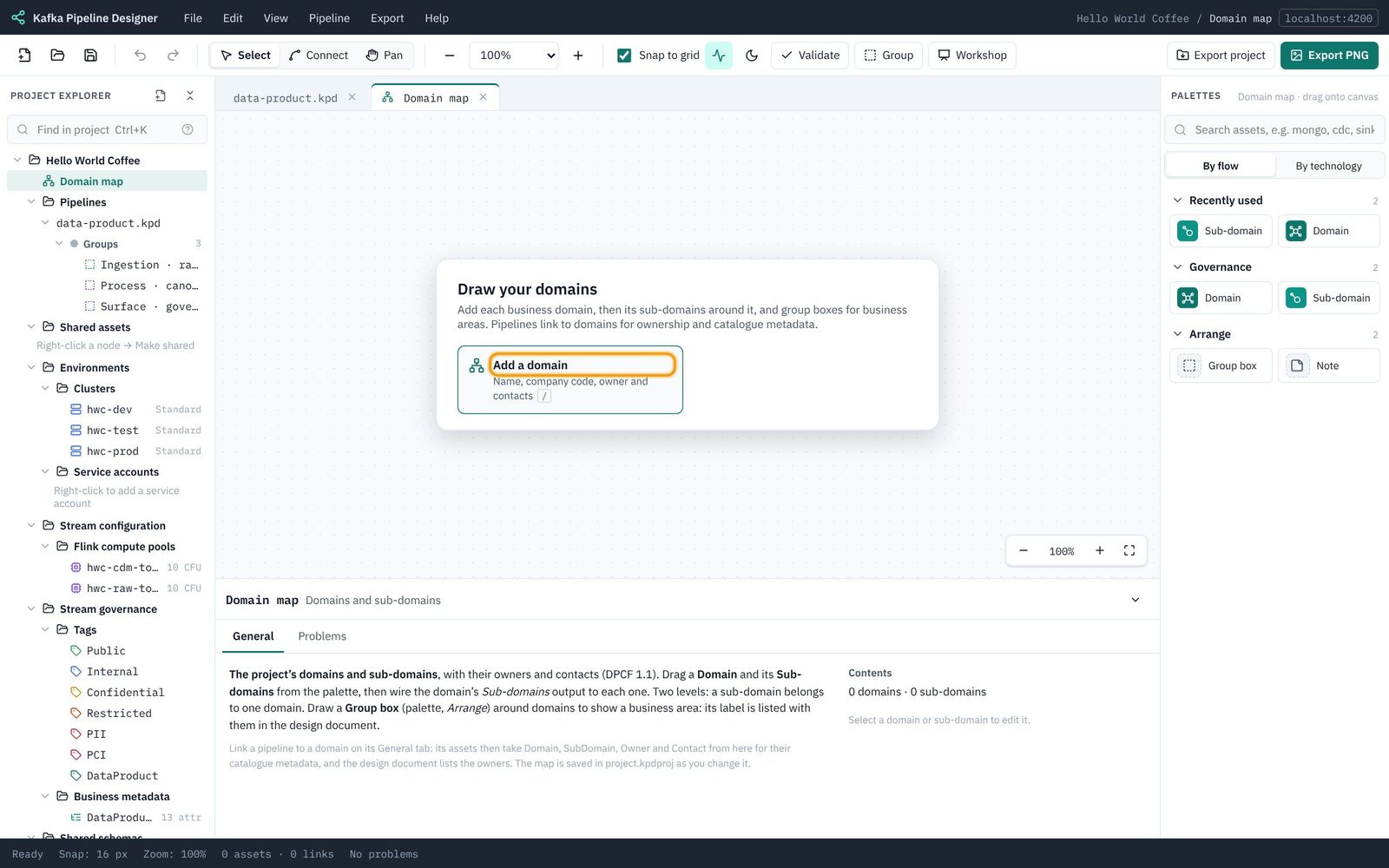
- A Domain map tab opens with a Draw your domains card. Click Add a domain.
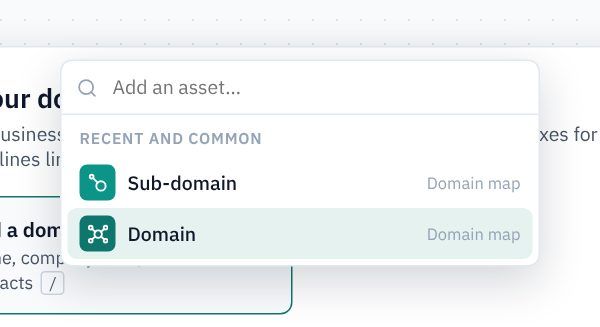
- In the list that appears, choose Domain.
Describe the Sales domain
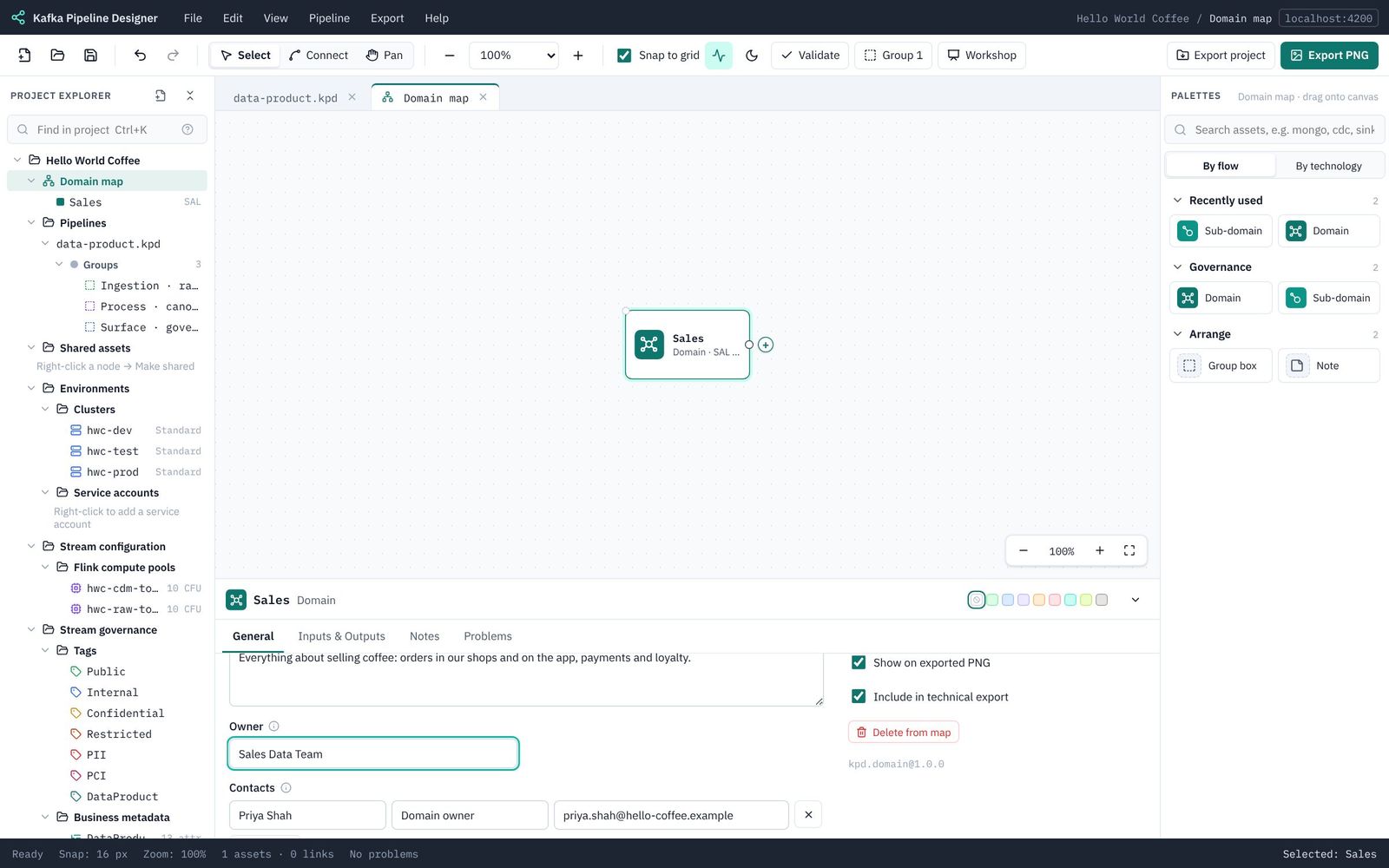
A domain appears on the map, selected, with its settings in the properties panel. Fill in:
| Field | Type |
|---|---|
| Name | Sales |
| Code | SAL |
| Description | Everything about selling coffee: orders in our shops and on the app, payments and loyalty. |
| Owner | Sales Data Team |
| Contacts | Click to add a contact, then name Priya Shah, role Domain owner, contact priya.shah@hello-coffee.example |
Add the Store orders sub-domain
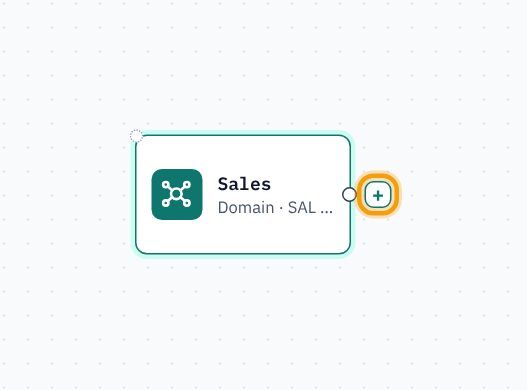
- With Sales selected, a + appears on its right-hand edge. Click it.
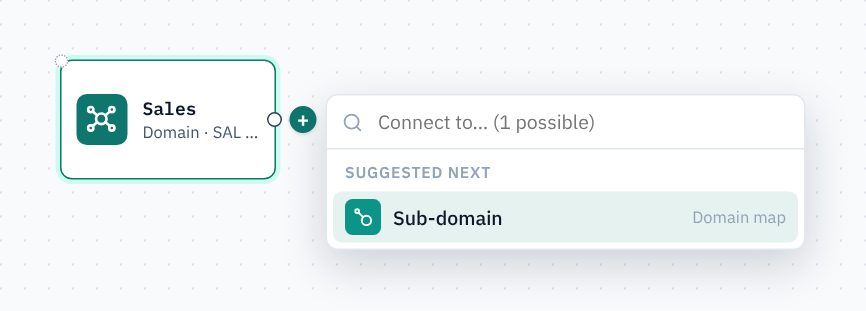
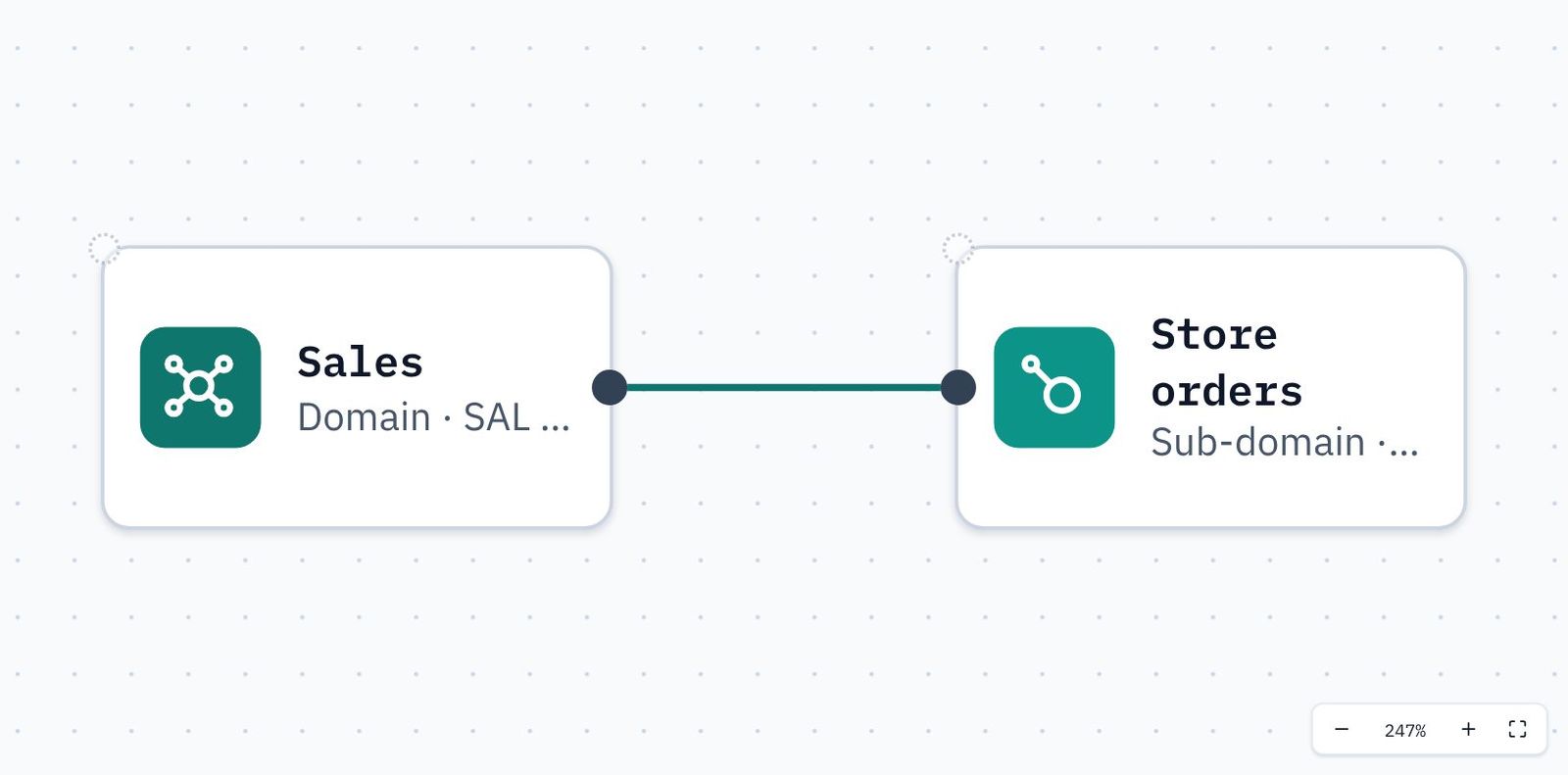
- KPD offers only what can connect there: Sub-domain. Choose it. The sub-domain appears to the right, already wired to Sales.
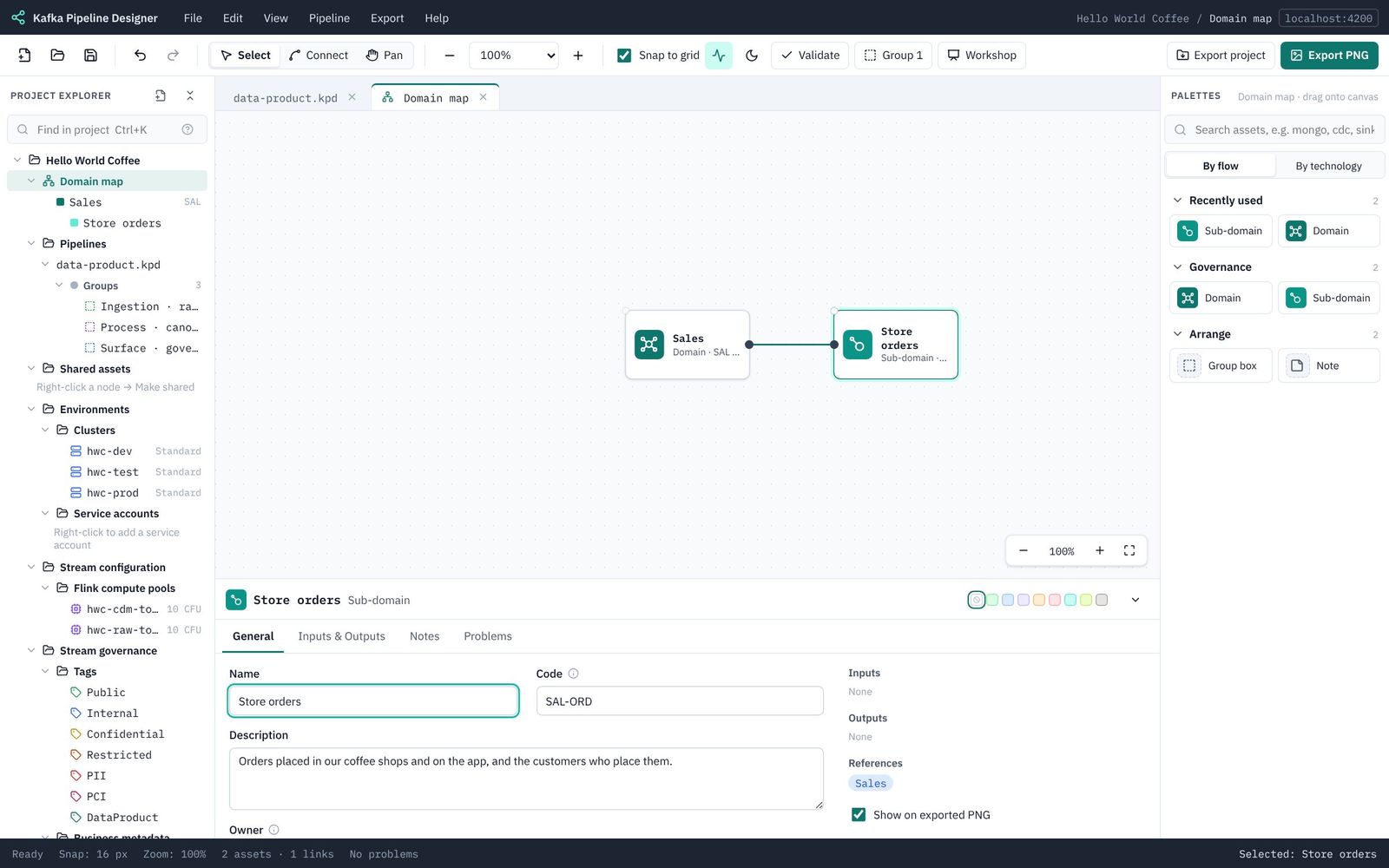
- Fill in the sub-domain:
Field Type Name Store ordersCode SAL-ORDDescription Orders placed in our coffee shops and on the app, and the customers who place them.Owner Store Orders TeamContacts Tom Reed,Product owner,store-orders@hello-coffee.example
Link the pipeline to the domain
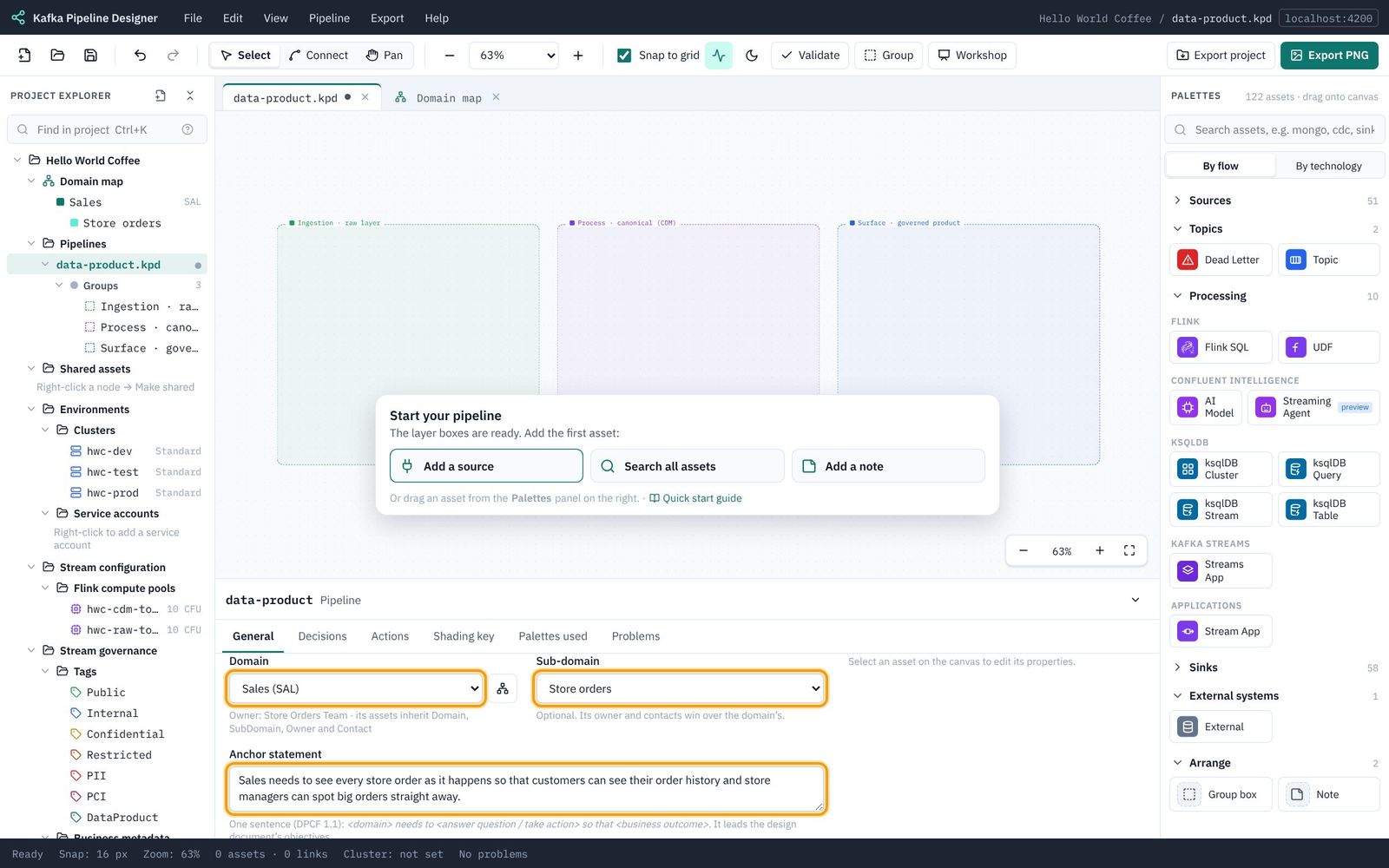
- Click the data-product.kpd tab above the canvas to go back to the pipeline.
- Click an empty part of the canvas so nothing is selected. The properties panel shows the pipeline's General tab.
- Domain: choose Sales (SAL). Sub-domain: choose Store orders.
- Anchor statement: one sentence saying why the pipeline exists, in the DPCF form <domain> needs to <answer a question / take action> so that <business outcome>. Type:
Sales needs to see every store order as it happens so that customers can see their order history and store managers can spot big orders straight away.
Save with Ctrl/⌘+S. Next: 3. Set up dev, test and prod.