Data contracts and dead letter topics
Data quality and protection rules registered with a topic’s schema, and where failed records go.
The rule library
Contract rules are defined once per project: right-click Contract rules in the explorer → New contract rule…, then add them to topics. A rule has a name, a description, and one of these styles:
| Style | What it does | Example |
|---|---|---|
| Condition (CEL) | Checks each whole message; fails when the expression is false. | message.amountMinor > 0 |
| Field condition (CEL_FIELD) | Checks every field carrying the chosen tags. | typeName == 'STRING' ; size(value) > 0 |
| Field transform (CEL_FIELD) | Rewrites tagged fields, for example masking on read. | typeName == 'STRING' ; '****' |
| Encrypt fields (ENCRYPT) | Client-side field level encryption of every field with the chosen tags. | Tag PII, key encryption key incl-prod-pii-kek |
| Migration (JSONata) | Translates messages between schema versions. | Rename a field on upgrade |
Mode says where a rule runs: WRITE in the producer before the record reaches the topic, READ in the consumer, WRITEREAD in both. On failure is ERROR (the write or read fails), DLQ (the record goes to the topic's dead letter topic) or NONE.
Attaching rules to a topic
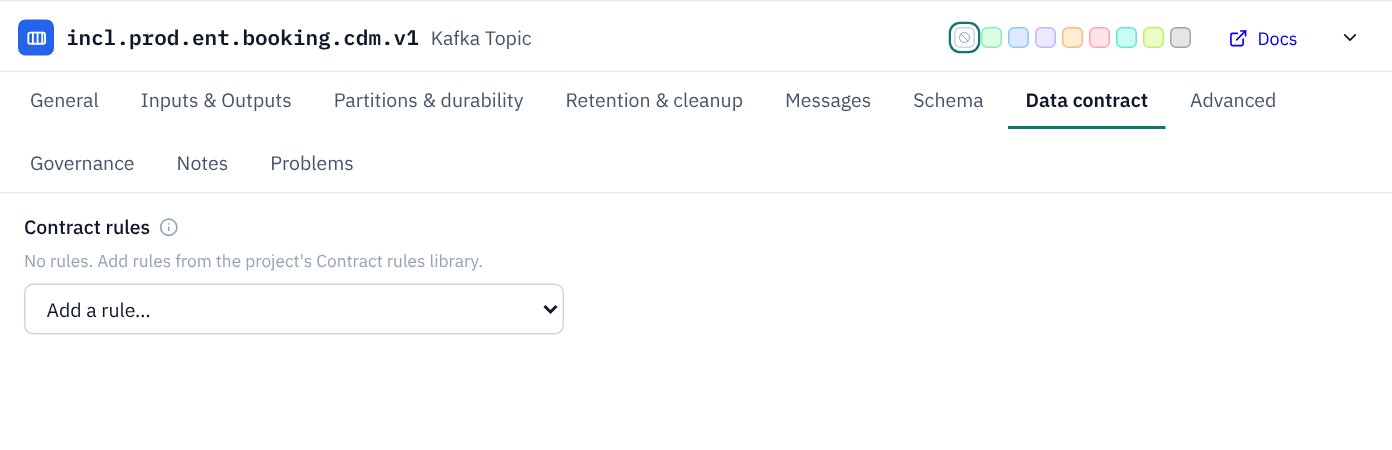
On a topic's Data contract tab, add rules from the library. They run in the order listed; reorder them with the arrows. Rules that send failures to a DLQ show a DLQ badge.
Dead letter topics
In KPD a dead letter queue is a connection, not a setting you type:
- a connector's or Flink statement's Errors output wired to a Dead Letter topic;
- a topic's Rejected output (shown once it has a DLQ rule) wired to a Dead Letter topic, for its contract rule failures.
Because the wire is the configuration, the picture and the settings can't disagree. KPD warns when a rule sends failures to a DLQ but no Rejected route is drawn, and Terraform fills in dlq.topic from the wire. On the Dead Letter topic, record the replay strategy (none, manual, automated).
Who needs access
The client that runs a rule writes its failures to the DLQ: a producer for WRITE rules, a consumer for READ rules. The Terraform page's permission advice suggests the write access that client needs.